Google Calendar:
Your Time Mission Commander
Your Time Mission Commander
 |
Google Calendar helps you organize time like a real aerospace engineer!
Engineers have lots of meetings, deadlines, and launch windows to track. Your calendar can send reminders, show your schedule to teammates, and even suggest the best meeting times. Let's schedule your important rocket launch meeting and learn to manage your time like a pro! |
Google Calendar helps you organize time like a real aerospace engineer!
Engineers have lots of meetings, deadlines, and launch windows to track.
Your calendar can send reminders, show your schedule to teammates,
and even suggest the best meeting times.
Let's schedule your important rocket launch meeting and learn to manage your time like a pro!
Engineers have lots of meetings, deadlines, and launch windows to track.
Your calendar can send reminders, show your schedule to teammates,
and even suggest the best meeting times.
Let's schedule your important rocket launch meeting and learn to manage your time like a pro!
Google Calendar: Your Time Mission Commander
Activity 6: Scheduling Your Rocket Meeting
Create Your Event:
1. Go to calendar.google.com
2. Click "+ Create" or click on a time slot
3. Title: "Rocket Launch Team Meeting"
4. Choose a date next week
5. Set time: 10:00 AM to 11:00 AM
6. Click "Add location" and type "Mission Control Room"
7. In the description, paste your meeting agenda from your slides
8. ⏰ Setting Reminders: Before saving, click "Add notification" to get a reminder! Try 30 minutes before so you're never late.
9. Click "Save"
1. Go to calendar.google.com
2. Click "+ Create" or click on a time slot
3. Title: "Rocket Launch Team Meeting"
4. Choose a date next week
5. Set time: 10:00 AM to 11:00 AM
6. Click "Add location" and type "Mission Control Room"
7. In the description, paste your meeting agenda from your slides
8. ⏰ Setting Reminders: Before saving, click "Add notification" to get a reminder! Try 30 minutes before so you're never late.
9. Click "Save"
|
Add Guest to Your Meeting:
|
Making It Repeat: If your meeting happens every week, make it repeat:
|
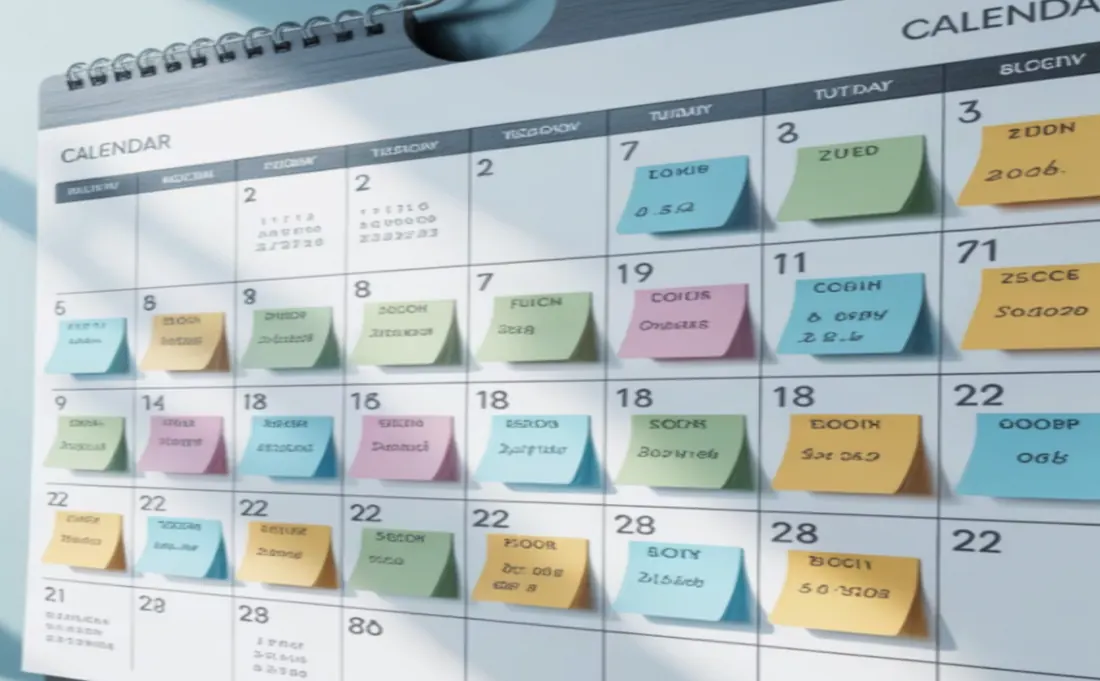
Activity 6: Creating Countdown Reminders
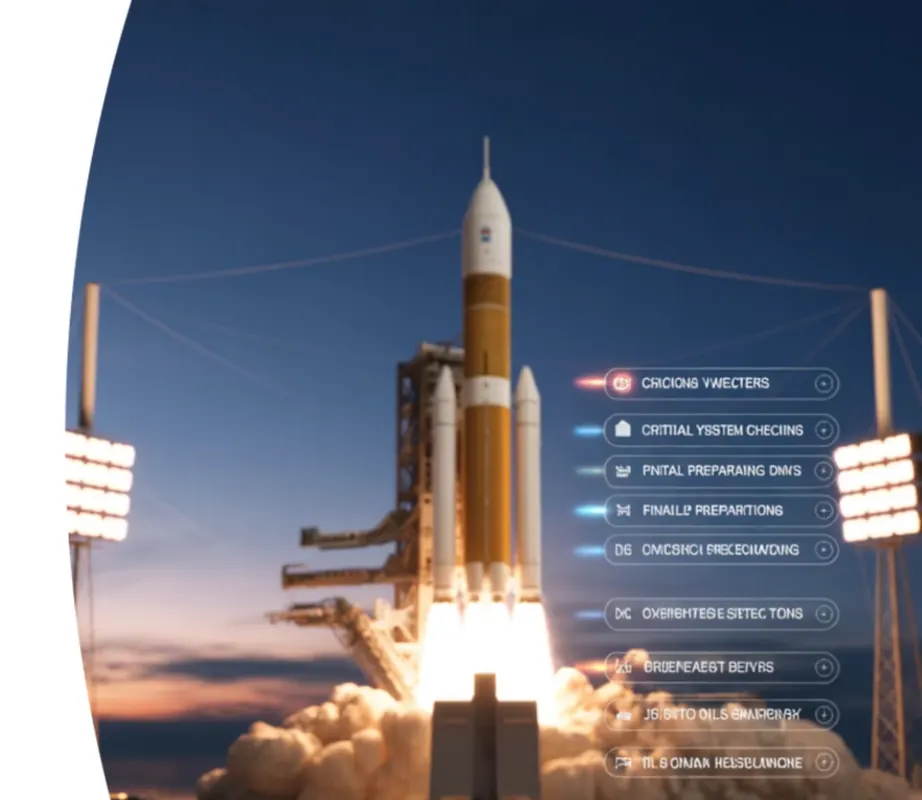
Create a series of reminders leading up to your big rocket launch day (8 days from today)!
This helps you prepare everything on time:
1. Seven Days Before Launch (schedule for tomorrow). Final equipment check - review all supplies and materials.
2. Three Days Before Launch. Team practice meeting - rehearse the launch sequence.
3. One Day Before Launch. Final review meeting - go over checklist one last time.
4. Launch Day! 🚀 Rocket Launch Event - 10:00 AM at Launch Pad.
This helps you prepare everything on time:
1. Seven Days Before Launch (schedule for tomorrow). Final equipment check - review all supplies and materials.
2. Three Days Before Launch. Team practice meeting - rehearse the launch sequence.
3. One Day Before Launch. Final review meeting - go over checklist one last time.
4. Launch Day! 🚀 Rocket Launch Event - 10:00 AM at Launch Pad.
|
Google Calendar is your essential tool for organising time,
meeting deadlines, and coordinating with your team like a true aerospace engineer. |
 |
Activity 7: Manage Launch Conflicts and Delays
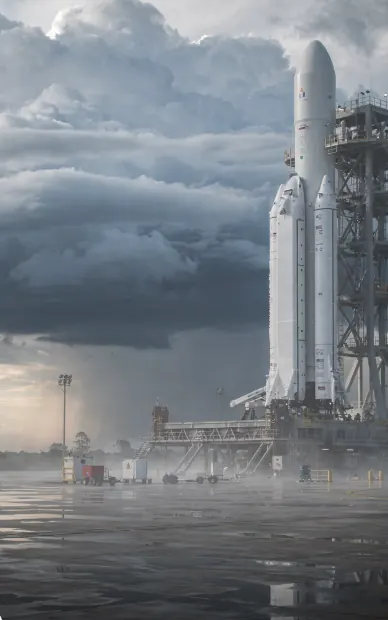
Introduce an Emergency Scenario to your team. Examples could be: A sudden weather system approaches, or critical equipment requires additional testing. Your team's Mission Control must respond immediately.
Reschedule Affected Events: Identify which calendar events need adjustment. Use drag-and-drop to move appointments to new time slots.
Update Team Communications: Send revised notifications to all team members. Ensure everyone receives updates about schedule changes instantly.
Reschedule Affected Events: Identify which calendar events need adjustment. Use drag-and-drop to move appointments to new time slots.
Update Team Communications: Send revised notifications to all team members. Ensure everyone receives updates about schedule changes instantly.
 |
 |